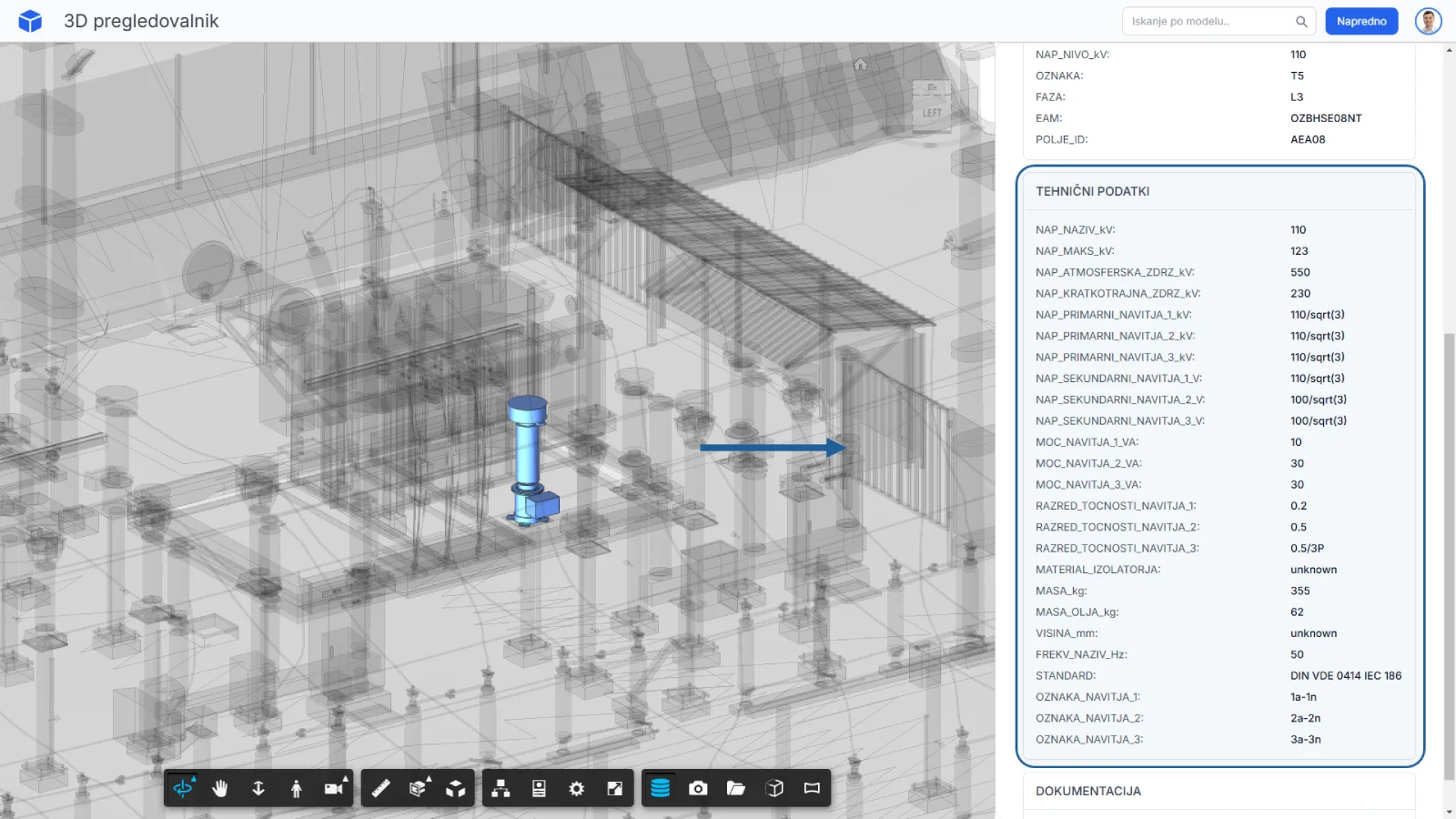
Asset data
BIM elements can be used as access points to structured asset information, making the model more useful for review, handover and future operation-oriented workflows.
Personal project
A custom browser-based platform for sharing and viewing 3D models, accessing asset information, reviewing documentation and extending 3D models into practical engineering interfaces.
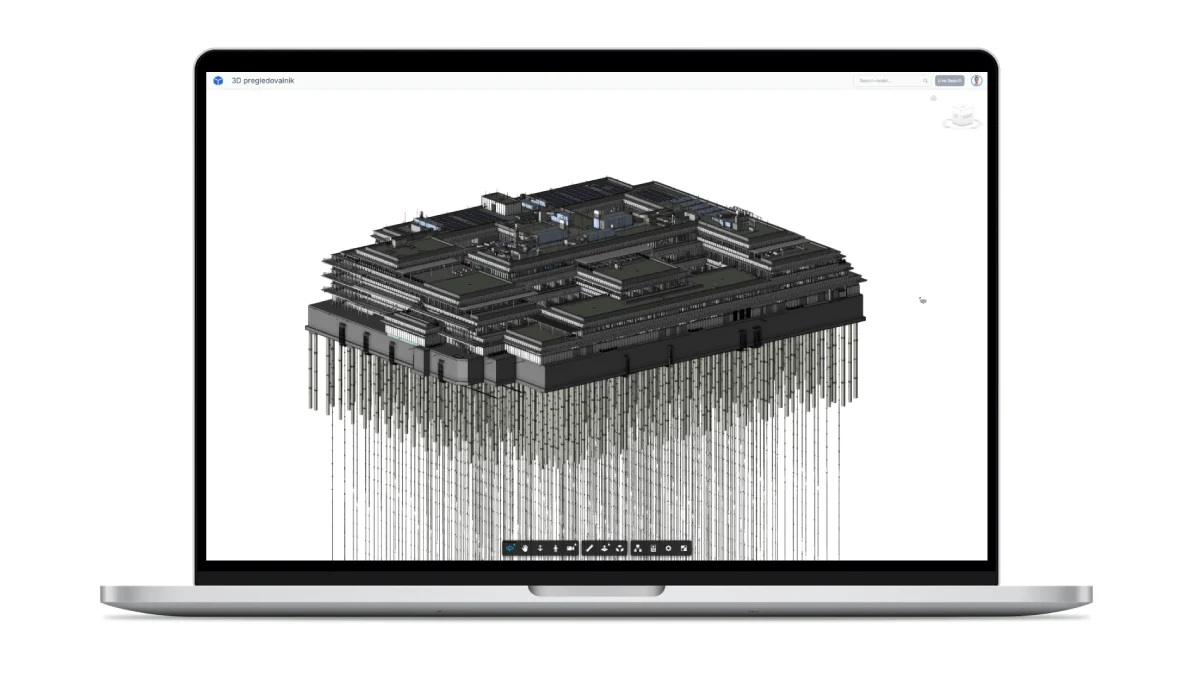
The platform was developed to make BIM and other 3D models accessible directly through the web browser, without requiring authoring tools or additional desktop software. It uses Autodesk Platform Services Viewer as the core viewing technology and provides an extensible framework for custom viewer extensions, including workflows such as model navigation, asset data access, documentation, photos, point clouds and project-specific search.
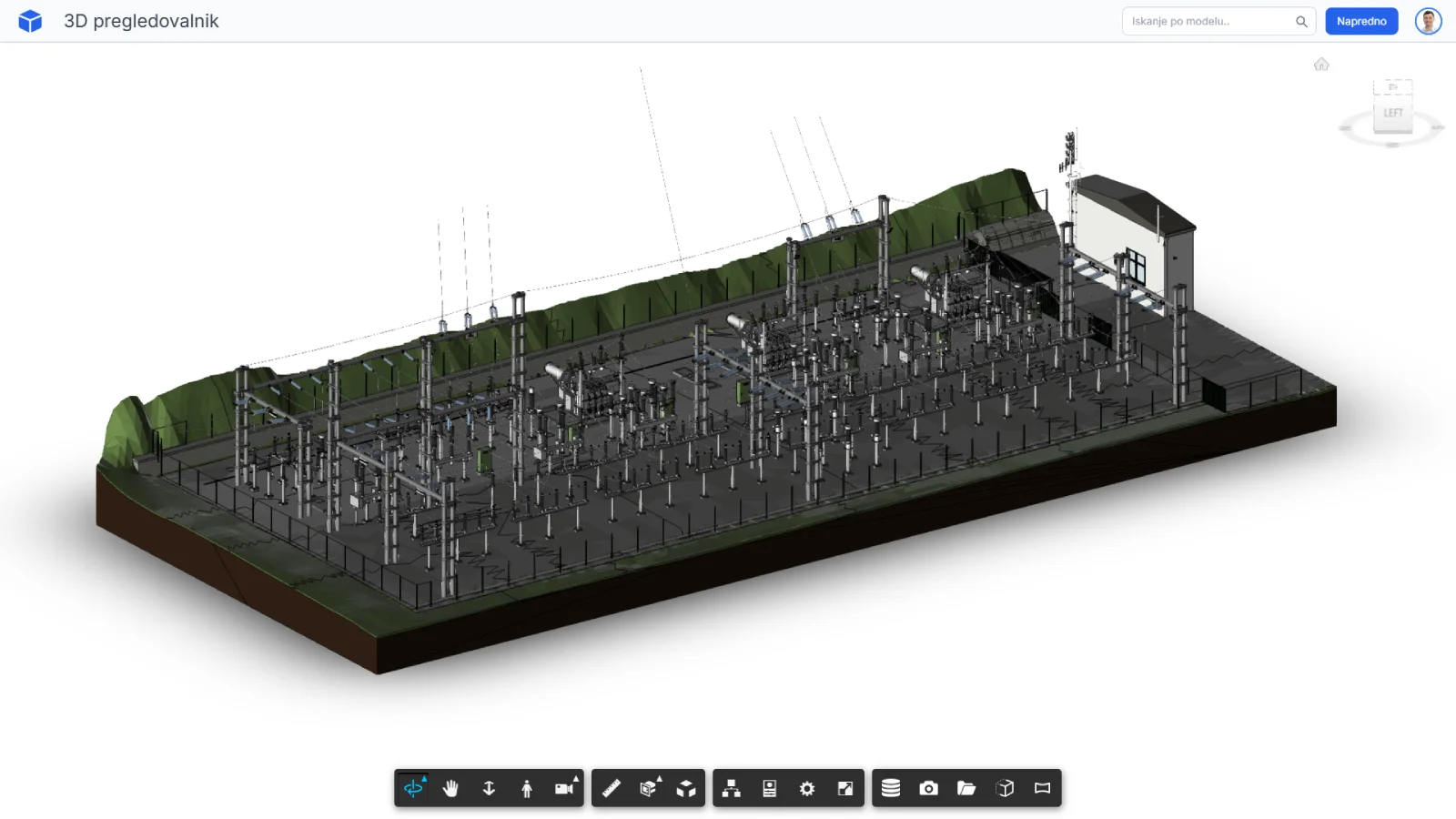
The viewer provides a clean interface for navigating BIM and 3D models, inspecting asset information and using selected project tools without opening authoring software.
Selected capabilities
The viewer is designed around practical asset-oriented workflows, with particular focus on high-voltage infrastructure use cases such as HE Ožbalt.
BIM elements can be used as access points to structured asset information, making the model more useful for review, handover and future operation-oriented workflows.
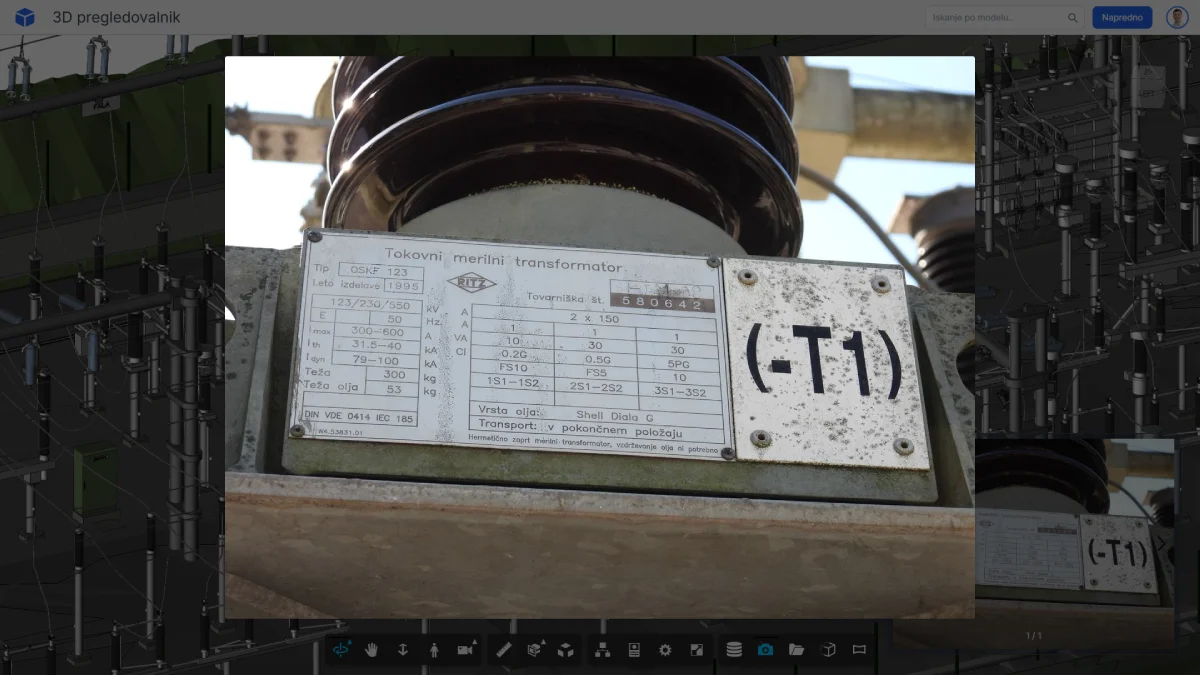
Equipment photos and nameplate images can be connected to model elements, allowing users to review visual and technical context directly from the viewer.
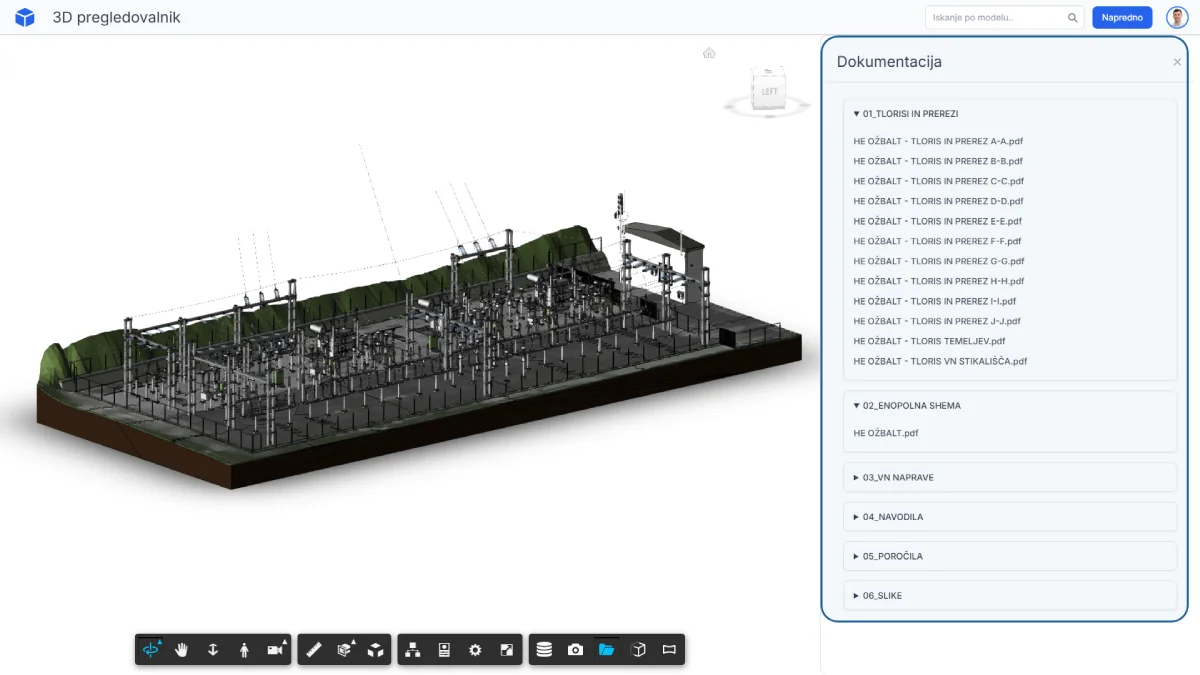
Project documentation can remain stored in third-party systems such as SharePoint, OneDrive or other document platforms, while the viewer provides model-based access to the relevant files and links.
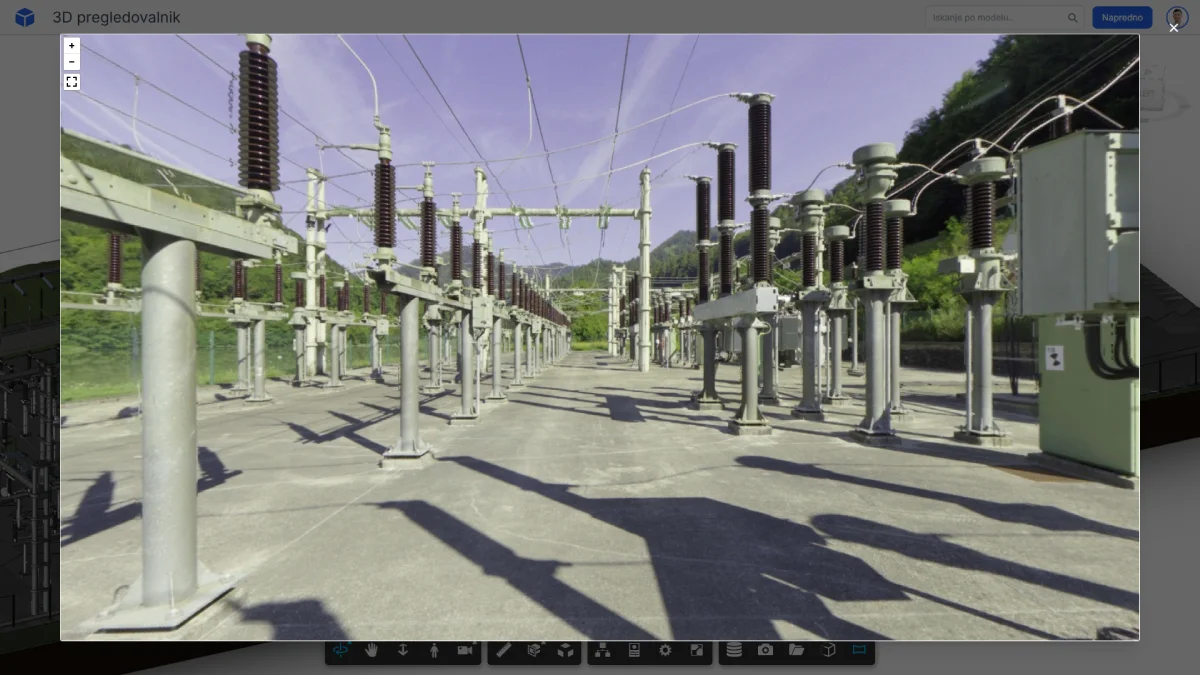
Panoramic images can be opened from selected locations in the 3D model, adding visual site context directly inside the viewer workflow.
Deep search
Deep search makes large BIM models easier to navigate by combining search, filtering and direct model selection across asset-related information.
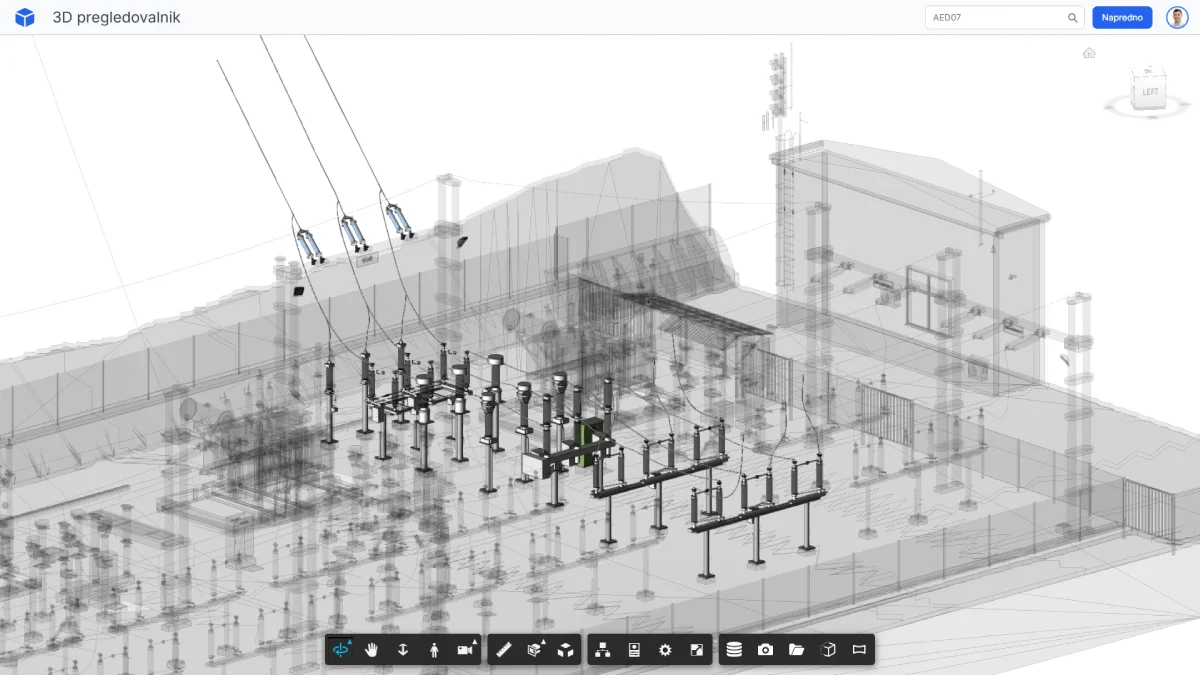
The platform shows how BIM and 3D models can become practical digital interfaces rather than isolated design files. By combining browser-based model viewing with asset data, documentation, visual context and custom viewer extensions, the viewer can support different project-specific workflows.
Models can be reviewed directly in the browser without specialist authoring software.
The model becomes an interface to asset data, documents, media and related project information.
Additional extensions can be developed for specific project, client or asset workflows.
The 3D viewer is one component of a broader platform concept for connecting digital models, project information and custom workflows across different types of projects.